Basketball team app
Keep the book from the bench.
Draw your sets, keep twos, threes and free throws live from the bench quarter by quarter, and have the box score ready at the final buzzer.
From the lineup to the box score
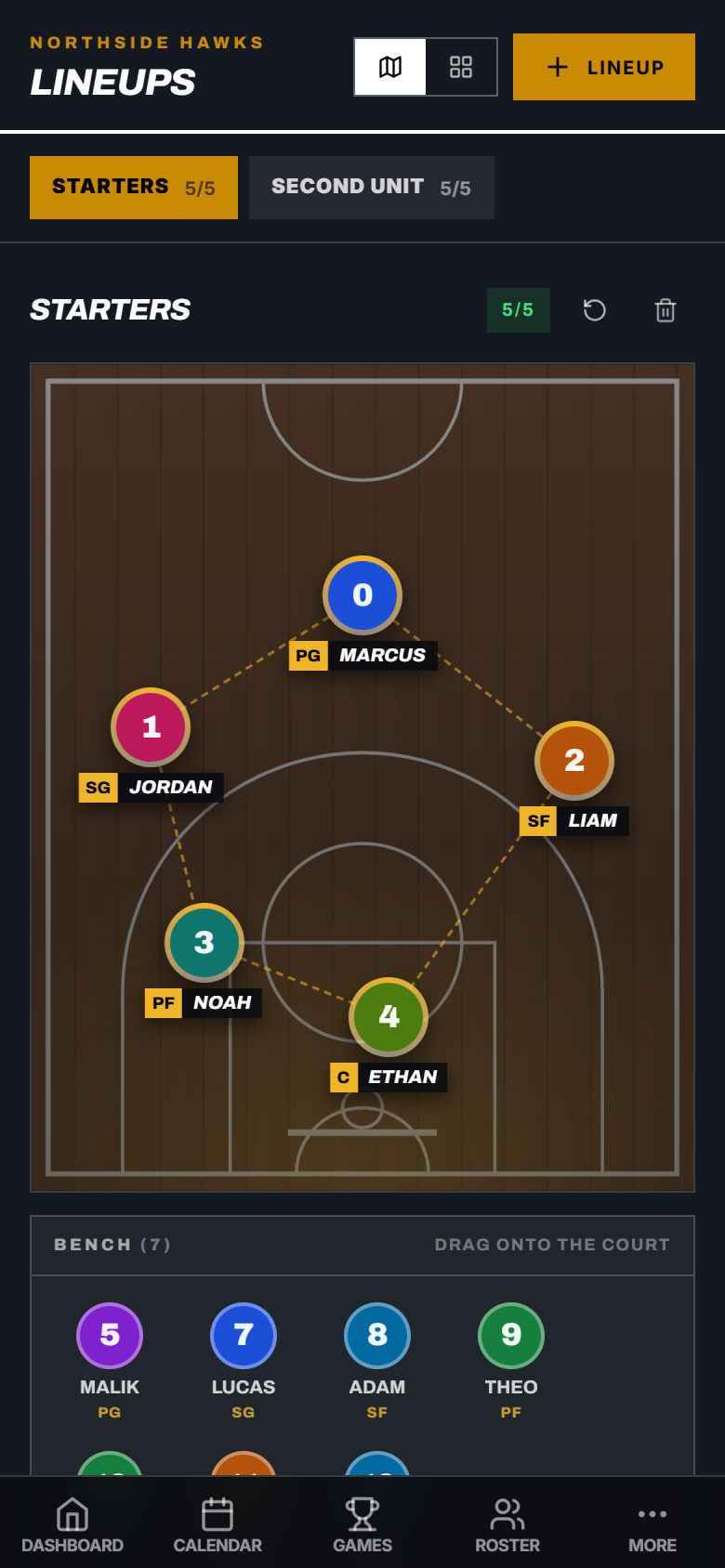
Set your lineup
Your starters on the court, everyone else on the bench. Drag a player on to swap. Keep a second unit and as many other lineups as you need.
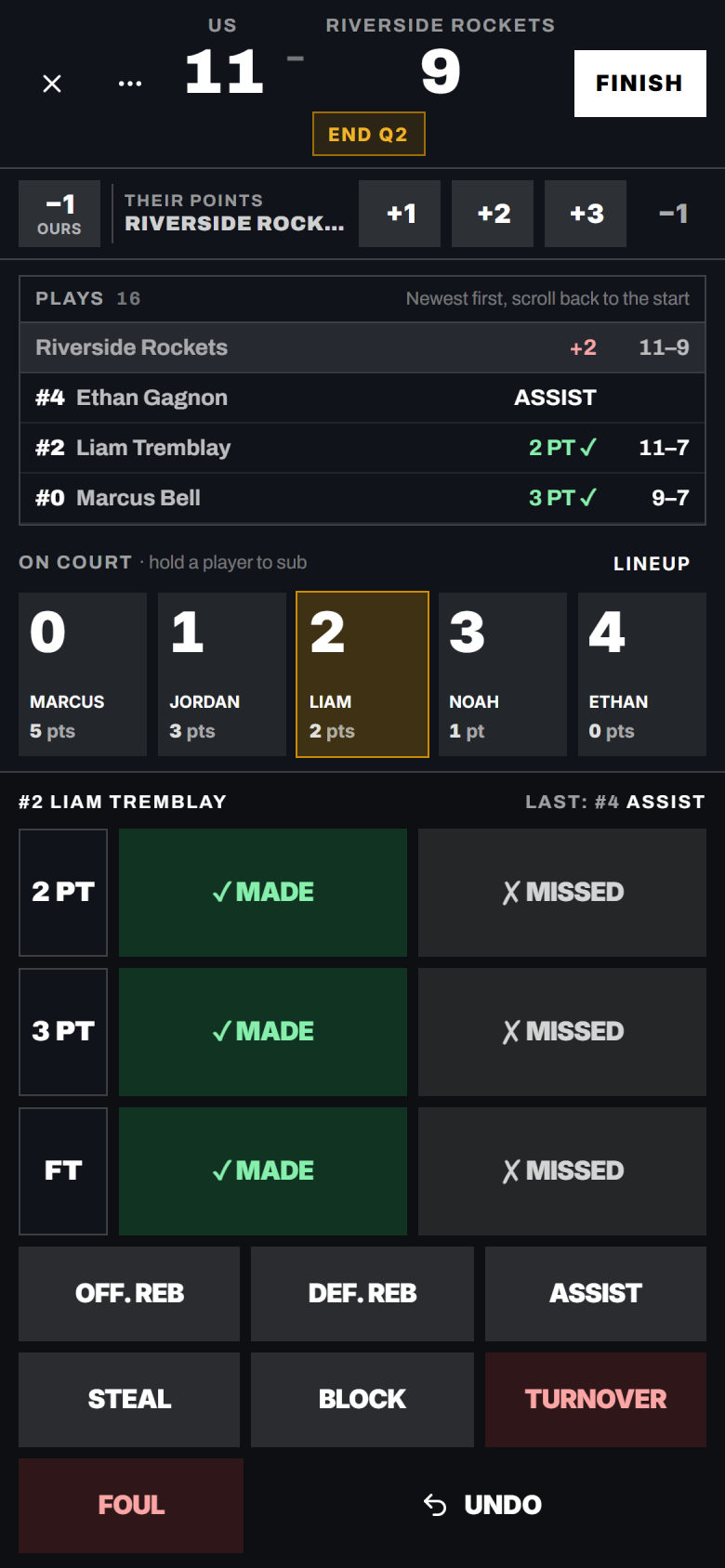
Keep the book from the bench
Tap a player, then the stat. Twos, threes and free throws, made or missed, add up the score. End of quarter saves the score as you go. Tapped the wrong player? Undo.
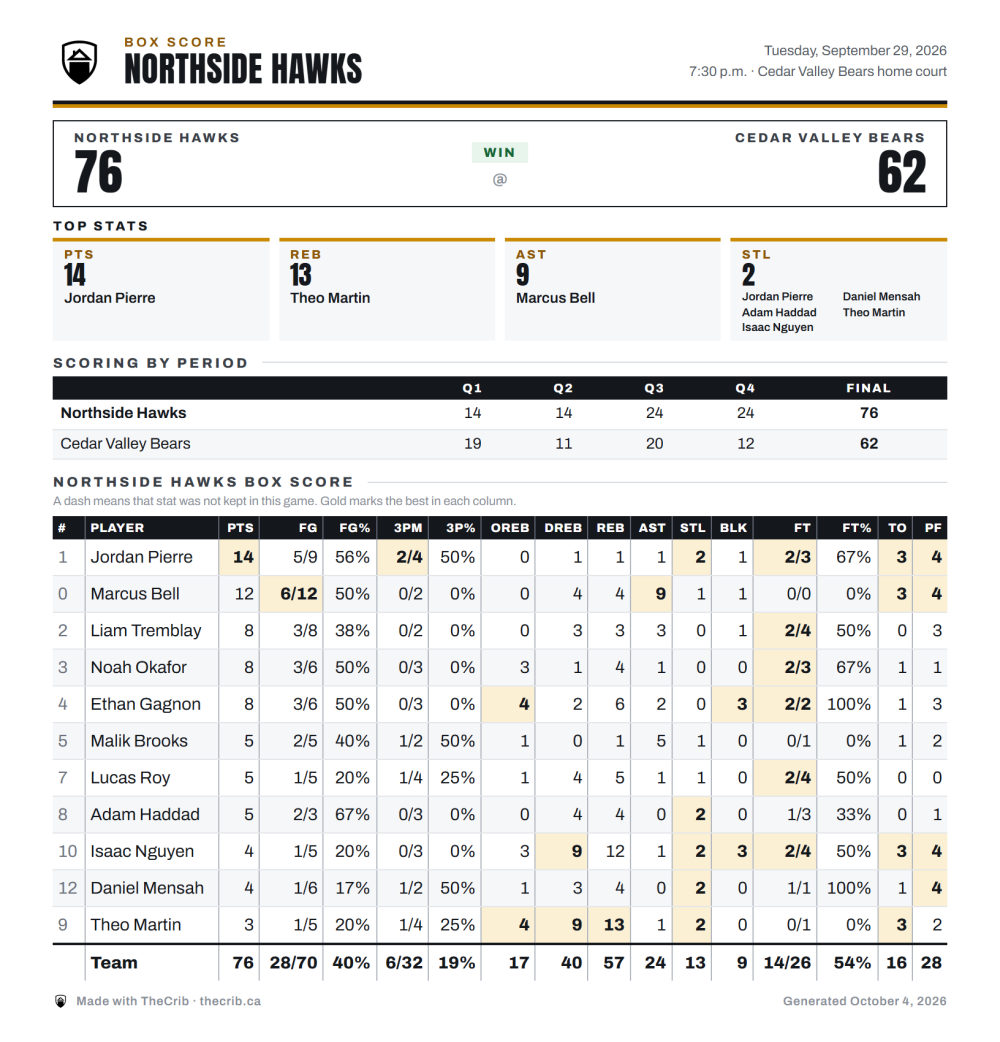
The box score is done
Hit Finish and every player’s line is saved, with team totals and the best in each column marked in gold. Save it as a PDF for the league or the parents.
What basketball coaches run into, and what TheCrib does about it
Post your practice schedule in TheCrib the moment you lock a gym slot. Players get a push notification with the time, court, and session focus — so nobody misses practice because it was buried in a group chat. When the gym gets moved, reschedule in one tap and everyone is notified instantly.
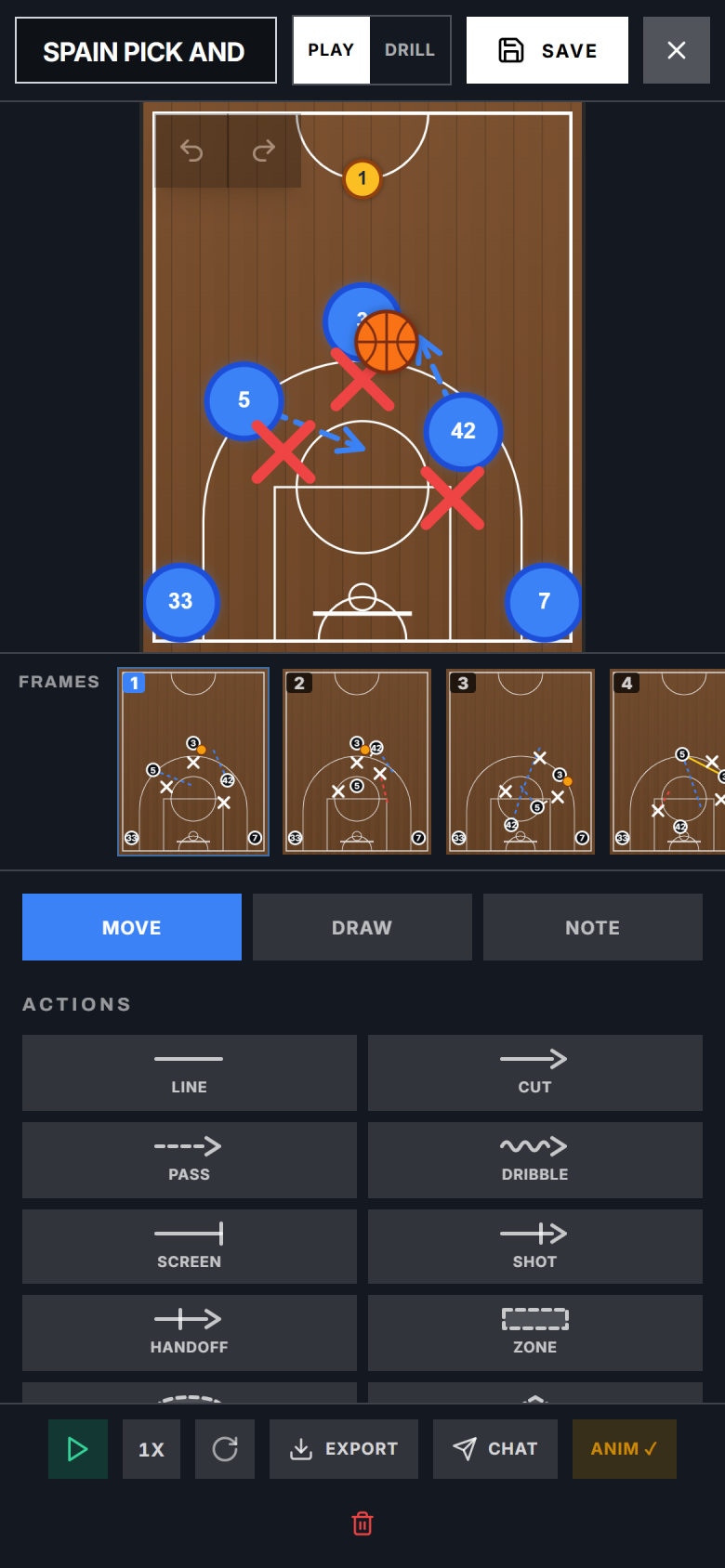
Draw it on a real court
Put your players on the court, then add frames so the play moves step by step, with a note on each one. Your players see the same play on their phones.
Every practice and game, in one calendar
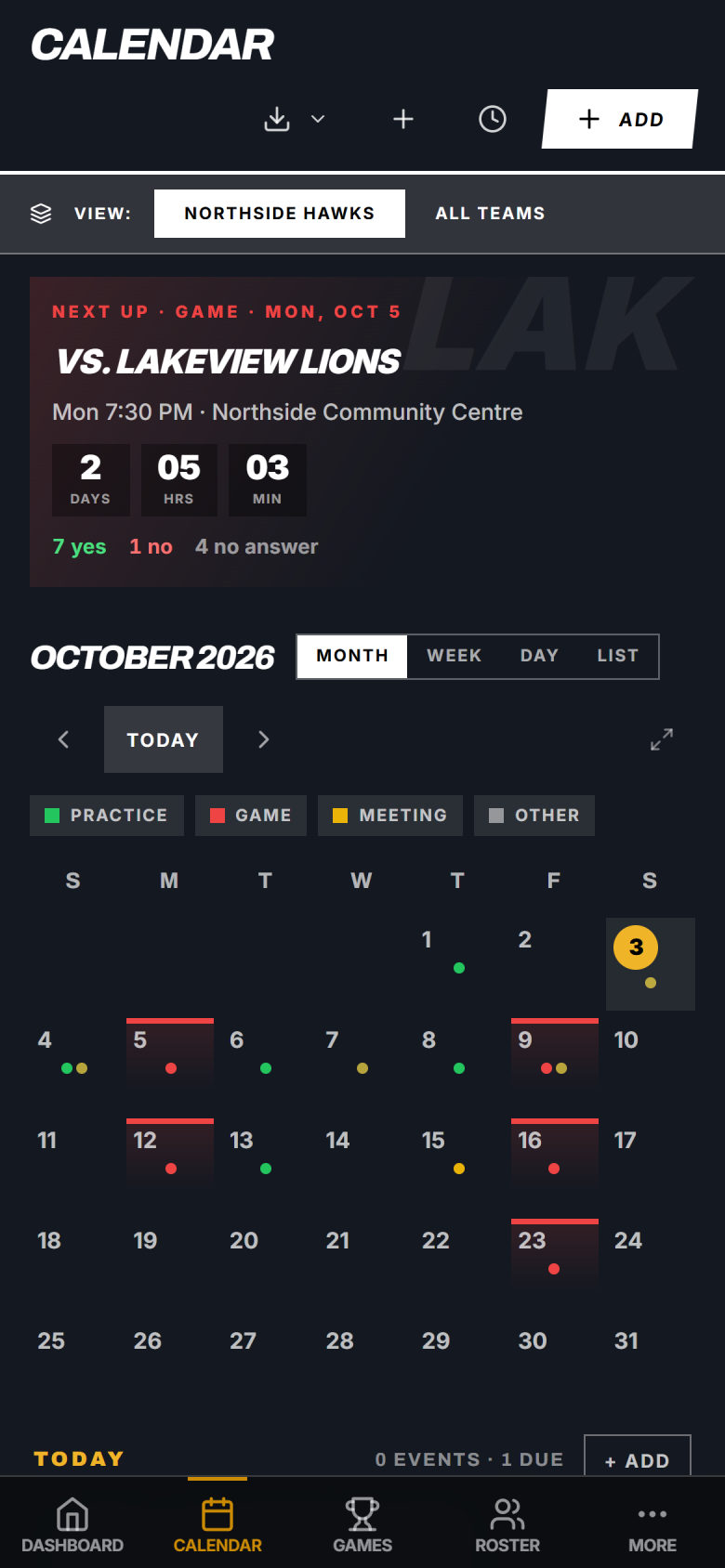
Practices, games and tournaments in one place, with the next game counting down at the top and who said yes right under it.
“Before TheCrib I was running the academy on spreadsheets and a few group chats. Now the schedule, the roster and all our team messages are in one place, so I spend way less time on admin and a lot more actually coaching.”
Kids’ information stays with the team
Common questions
Something else? Email contact@thecrib.ca.
Yes. TheCrib lets you log stats per player and per game. After each game you enter points, assists, rebounds, steals, and blocks. Players and parents can see their own stats in the app. You can export the full season stat sheet as a CSV any time.