Football team app

Manage your offense, defense, and special teams, all from one app.

Get started freeSee all features →

The problems TheCrib solves

Common obstacles football coaches face, and how TheCrib fixes them

01

A 45-player roster across three units is impossible to manage on paper

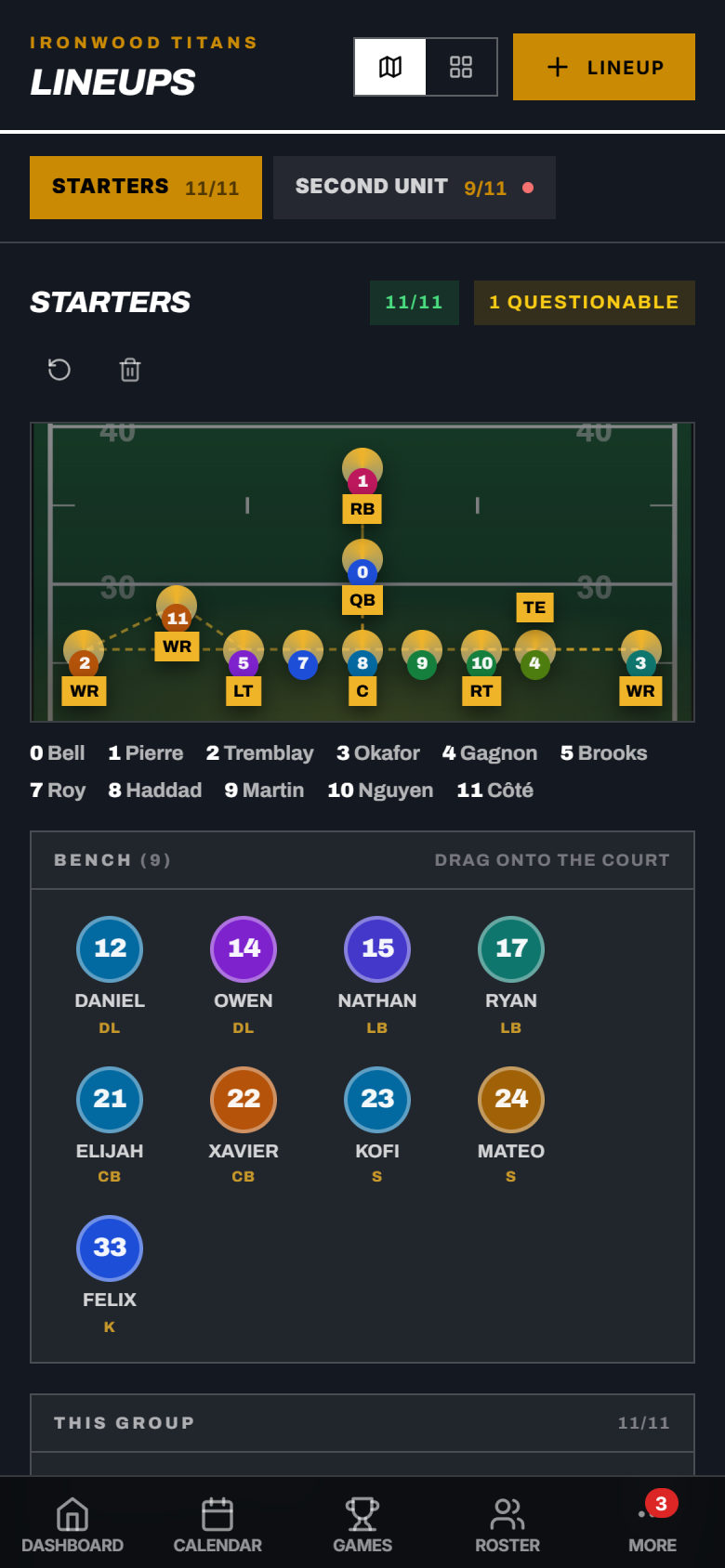
TheCrib's depth chart lets you organize players by unit (offense, defense, and special teams) and update it after every practice. Your whole coaching staff sees the live version. No more emailing PDFs of depth charts that are out of date by Tuesday.

02

Plays drawn on whiteboards disappear by game week

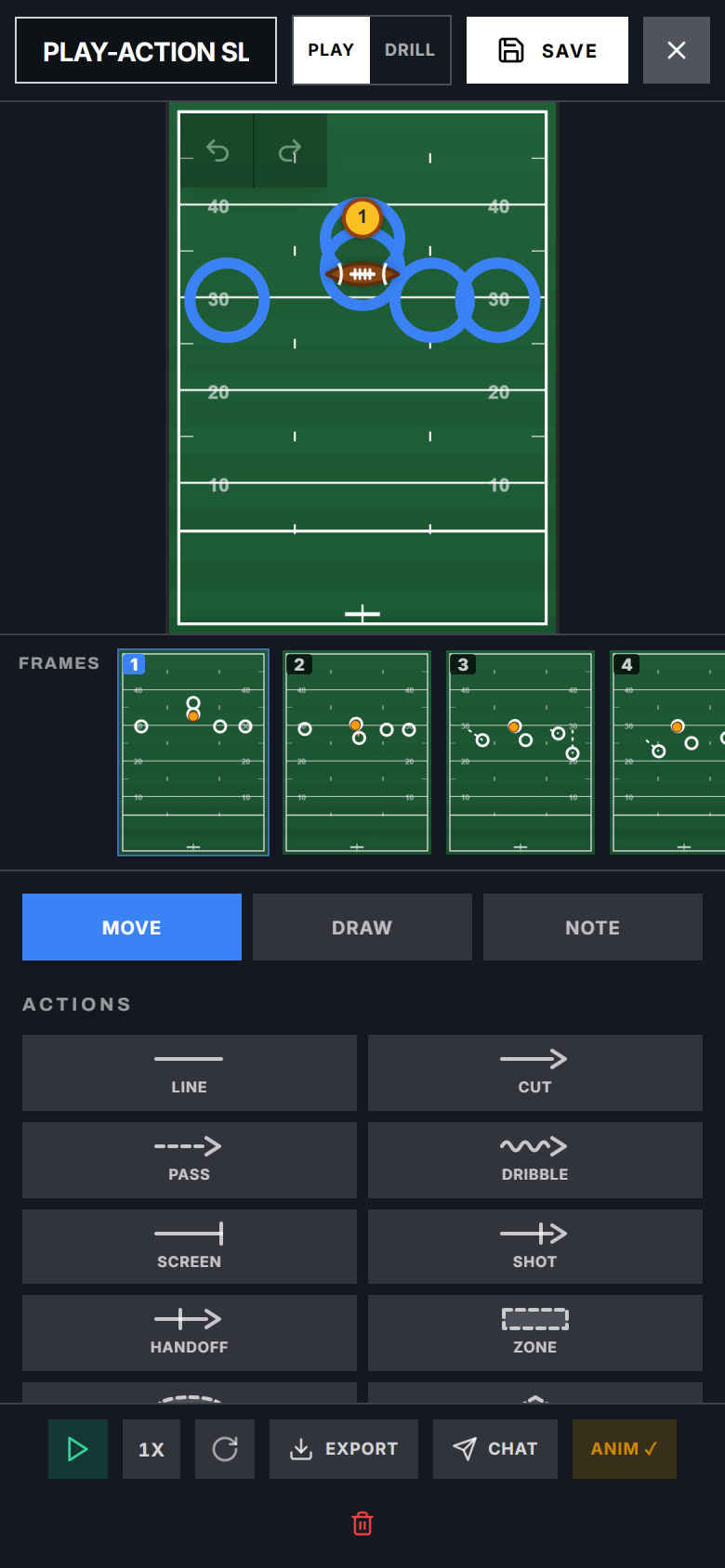
Draw your plays on TheCrib's interactive football field, organize them by situation (red zone, third and long, two-minute drill), and share your playbook directly to players. They study it on their phones, not a photocopied sheet.

03

Getting 45+ players to confirm availability before a game is a group chat disaster

Set the game in TheCrib and send one availability request. Players RSVP in the app. You see who's in, who's out, and who hasn't responded. Filter by unit to make sure every position is covered.

04

Collecting equipment deposits and registration fees from large rosters is slow

Create a payment request in TheCrib and track payments across your full roster. Parents pay through Stripe, you see who's paid and who hasn't, and reminders go to unpaid players automatically.

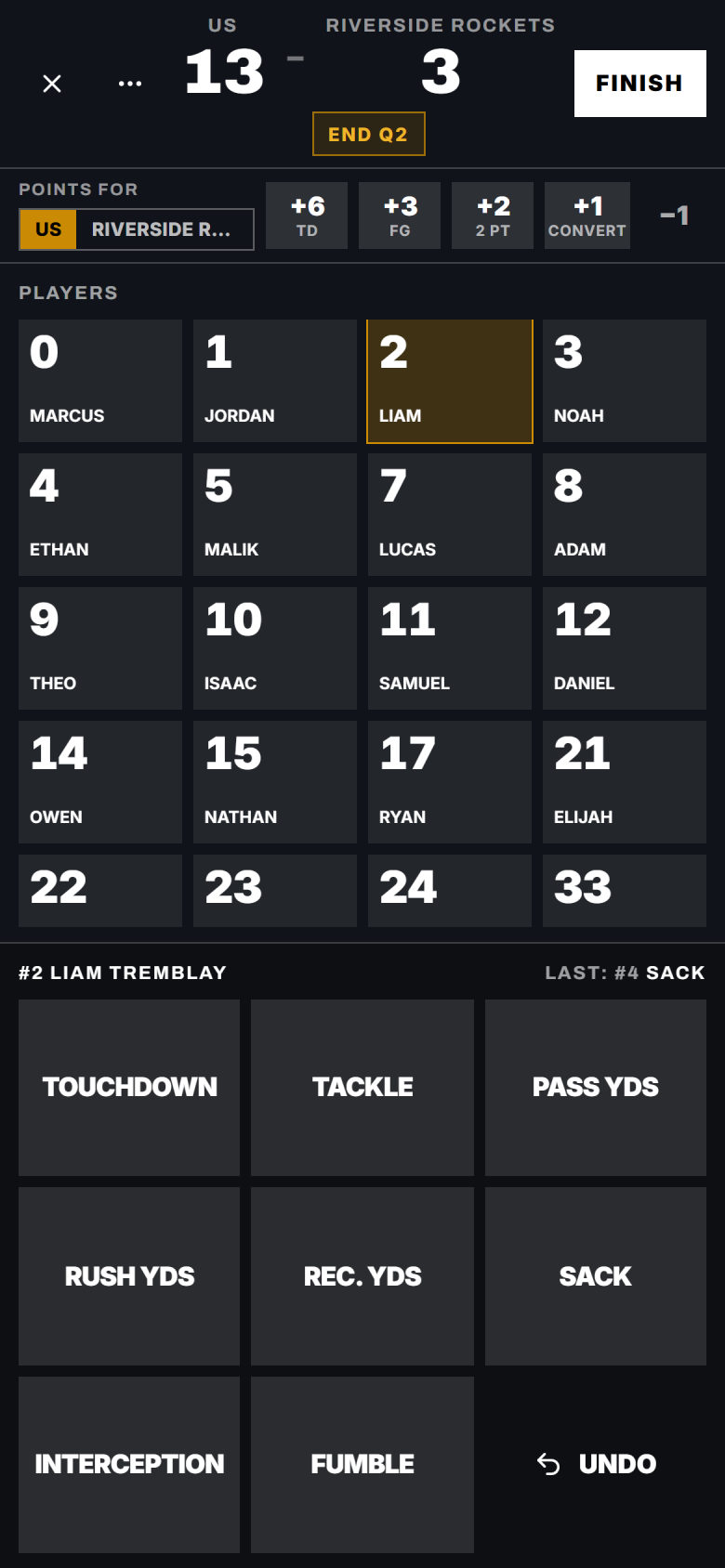
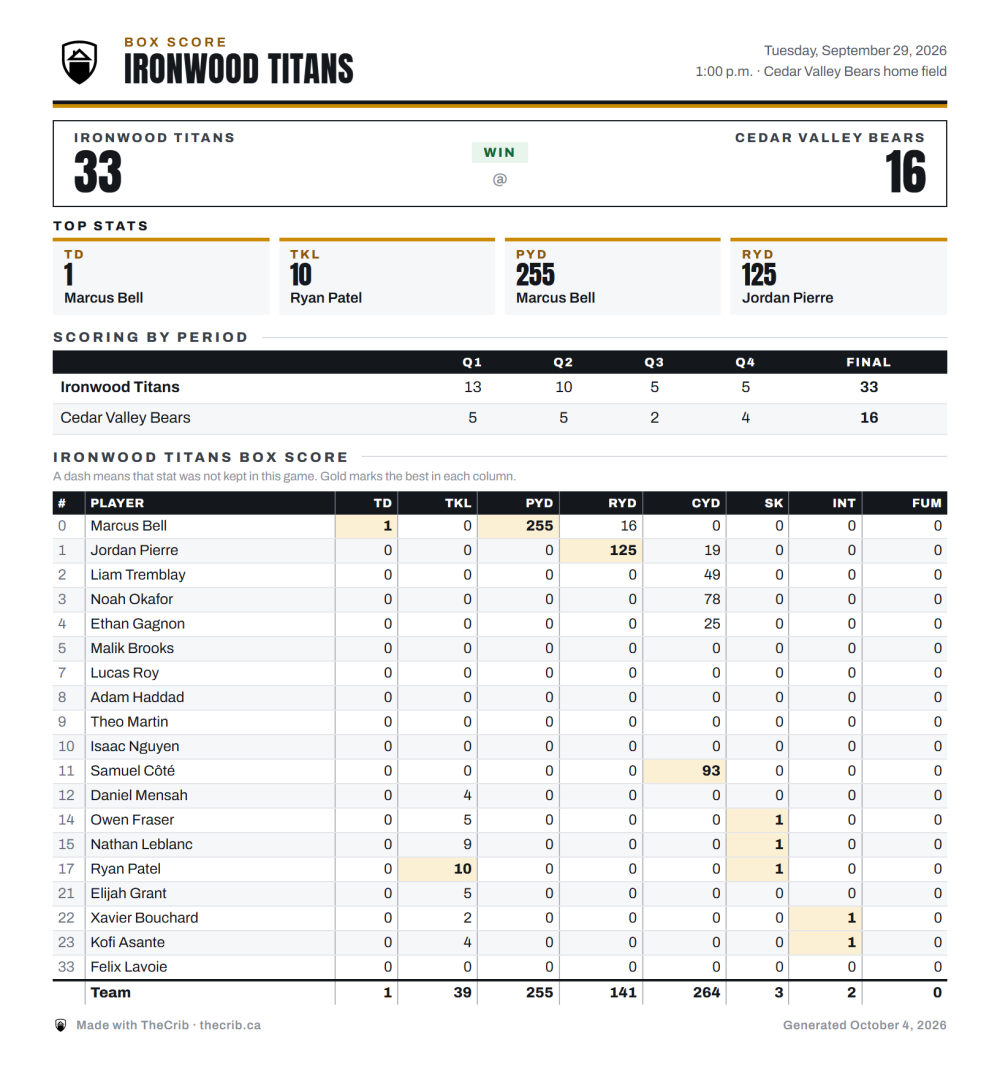
Football stats built in

YDS
tracked
TD
tracked
TKL
tracked
INT
tracked
SACK
tracked

Scheduling & management

Schedule and manage your football season with ease

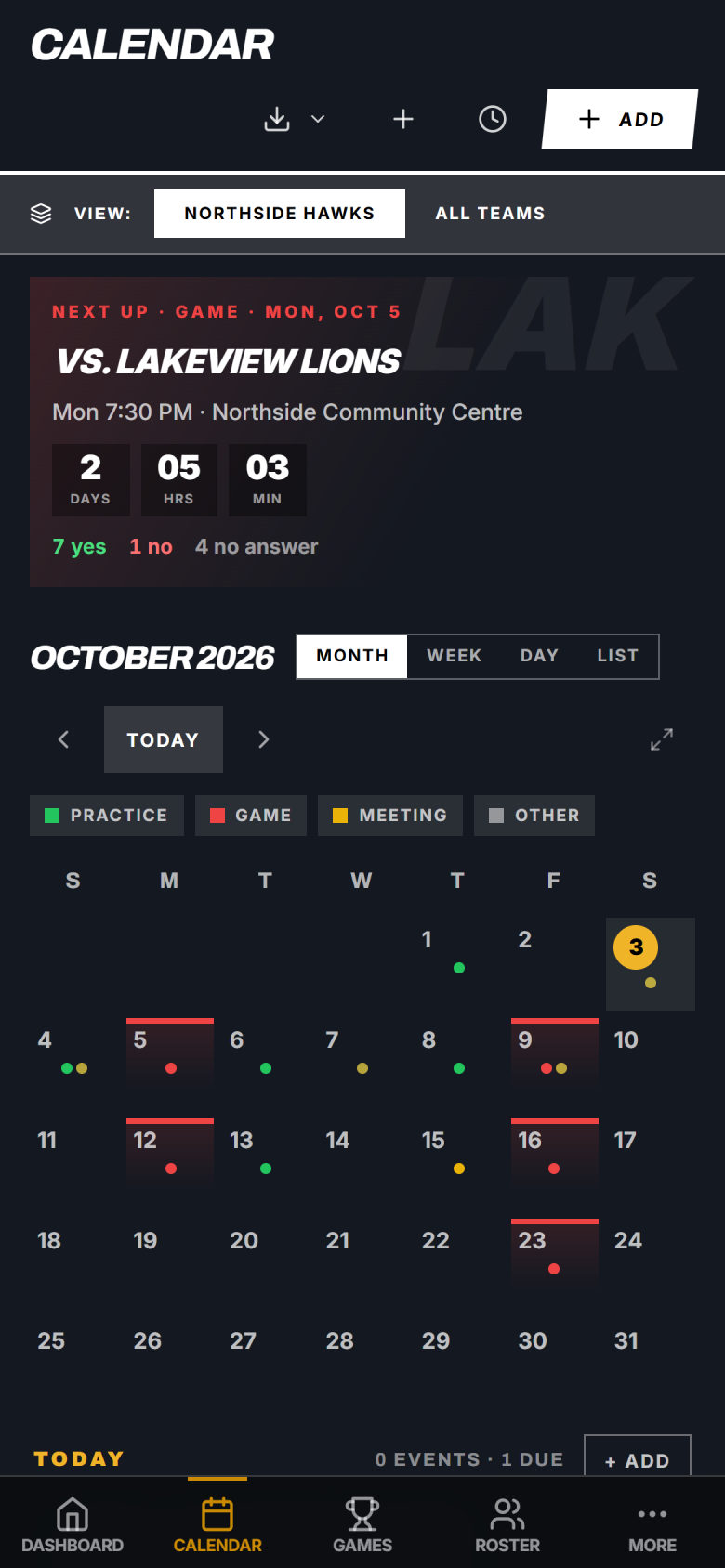
TheCrib lets you schedule your full football season (preseason practices, games, and bye weeks) in one place. When you add a game, all players receive an invitation with the time, opponent, and location. RSVP tracking shows you your full expected roster before game day, broken down by unit.

See all features →
Football team management

Manage your team from anywhere

TheCrib is available on iPhone and iPad. Manage your football program, track attendance, and message your team from your pocket.

Download on the
App Store
Push notifications for game reminders
Track stats and attendance on the go
Message your team from the sideline
Collect payments directly in the app

Frequently asked questions

FAQs

Can I organize my roster by position unit in TheCrib?+

Yes. You can tag each player with their position and unit (QB, RB, WR for offense, LB, CB, S for defense, and so on). The depth chart view lets you see your full roster organized by unit and filter by position.

Does the tactics board include a football field?+

Yes. TheCrib's tactics board includes an interactive football field canvas. You can draw plays, mark receiver routes, defensive assignments, and blocking schemes. Save plays and organize them by category to build a digital playbook.

How does TheCrib handle a roster of 45+ players?+

TheCrib supports rosters of any size. The paid plan removes the roster cap entirely. You can organize players by unit, set availability requests, and manage payments all from the same interface.

Can multiple coaches access the team at the same time?+

Yes. You can add assistant coaches and coordinators to your TheCrib team with their own login. Each coach sees the full roster, schedule, and communications. Permission levels let you control what each coach can edit.

Does TheCrib work for both Canadian and American football?+

Yes. TheCrib works for CFL-style and NFL-style football programs. Position labels, field dimensions on the tactics board, and stat categories (yards, touchdowns, tackles, sacks) cover both formats.

🏈

Take the hard work out of football coaching

Join football coaches who replaced their group chats and spreadsheets with TheCrib.

Get started freeSee all features