Volleyball team app
Rotations and stats, set by set.
Put your six on the court, draw your rotations, and keep kills, blocks, aces and digs live from the bench set by set.
From the lineup to the box score
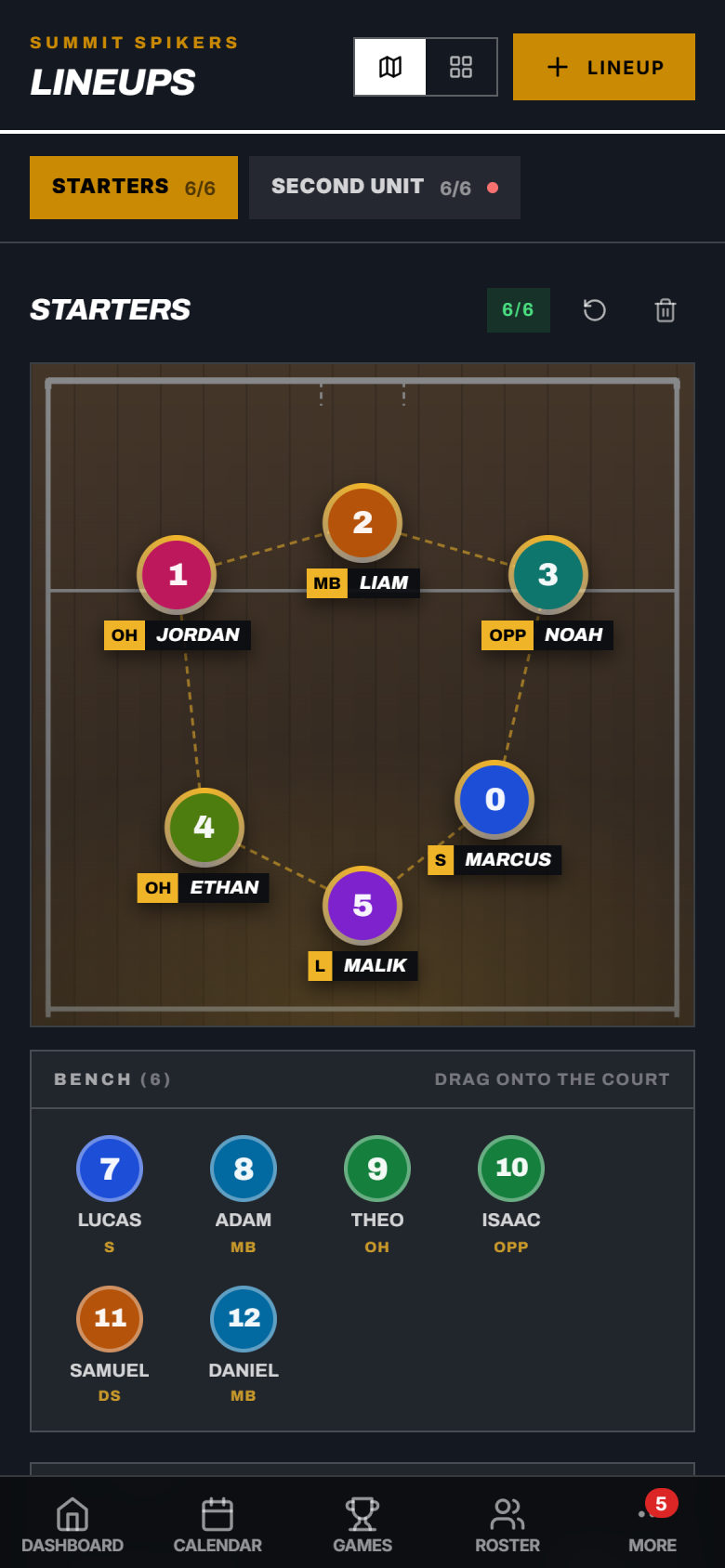
Set your lineup
Your starters on the court, everyone else on the bench. Drag a player on to swap. Keep a second unit and as many other lineups as you need.
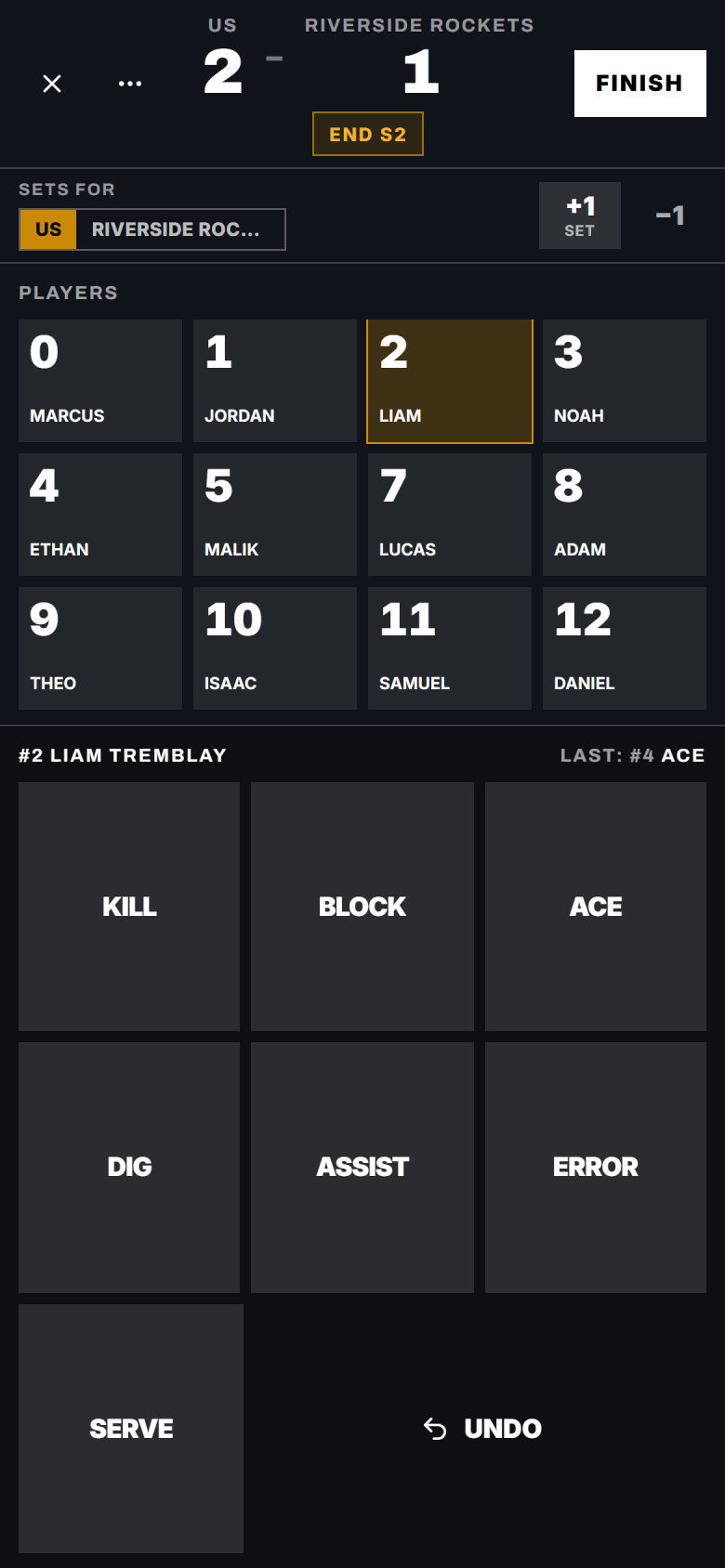
Keep the book from the bench
Tap a player, then the stat. Each set goes on the score as it ends. End of set saves the score as you go. Tapped the wrong player? Undo.
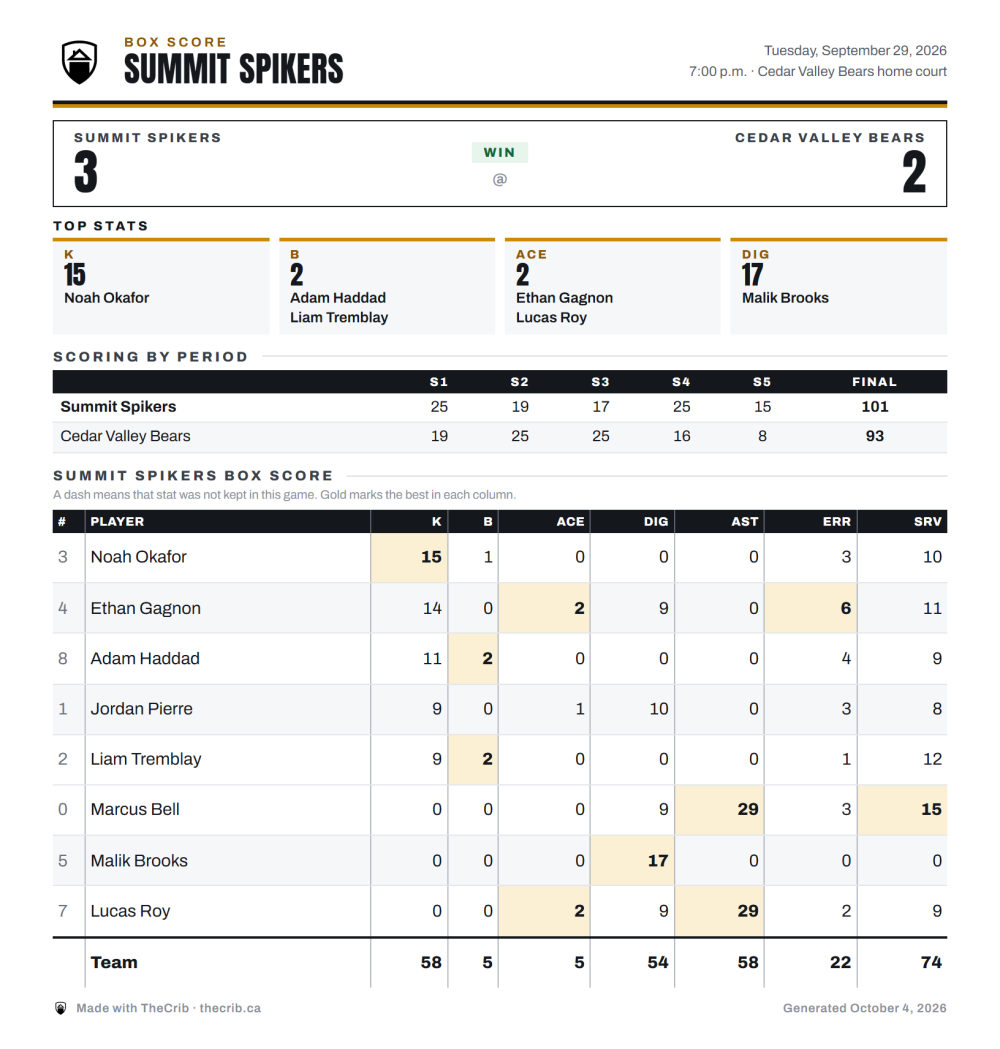
The box score is done
Hit Finish and every player’s line is saved, with team totals and the best in each column marked in gold. Save it as a PDF for the league or the parents.
What volleyball coaches run into, and what TheCrib does about it
Send an availability request through TheCrib before each tournament. Players respond Yes, No, or Maybe. Based on responses, you can confirm your 12-player roster, build a reserve list for extras, or send a call-to-action to fill gaps. All from one screen.
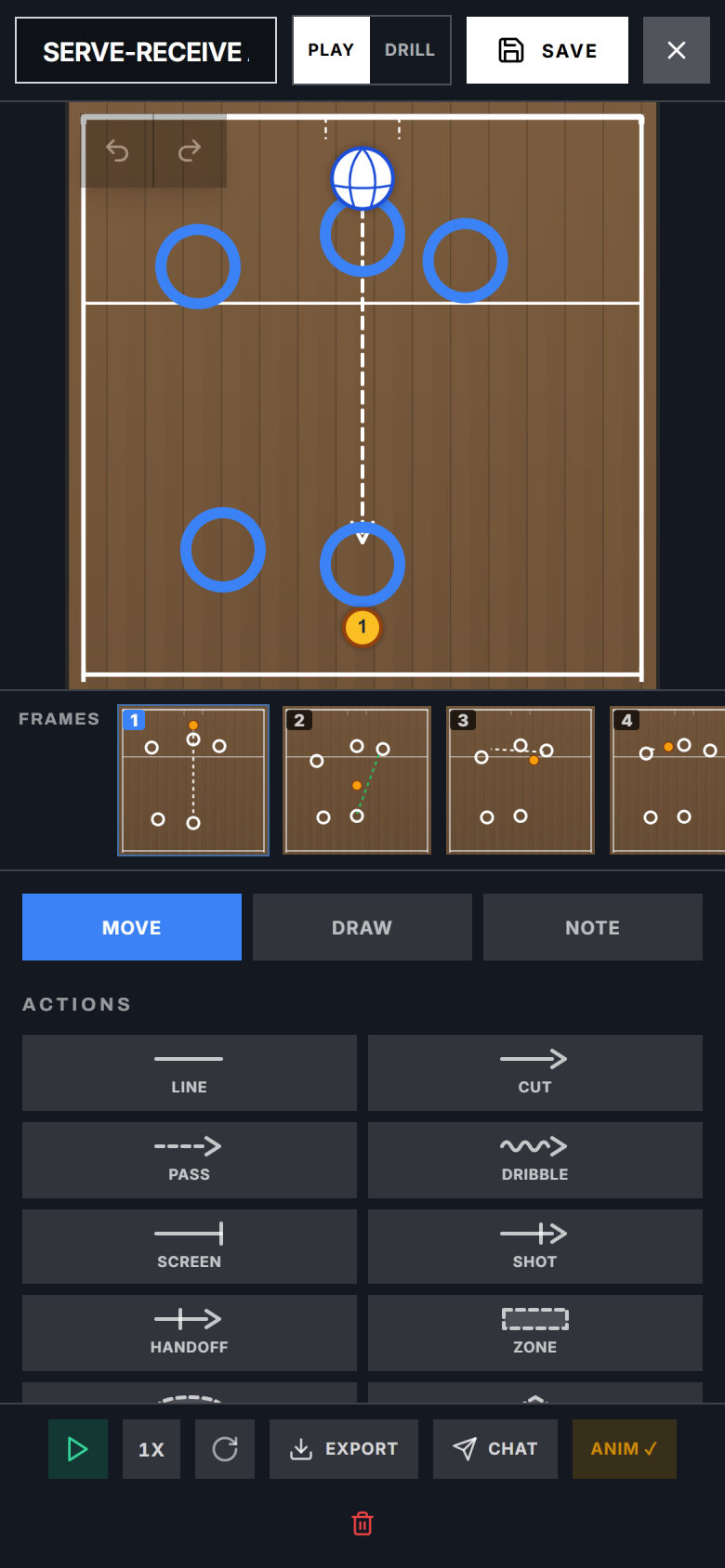
Draw it on a real court
Put your players on the court, then add frames so the play moves step by step, with a note on each one. Your players see the same play on their phones.
Every practice and game, in one calendar
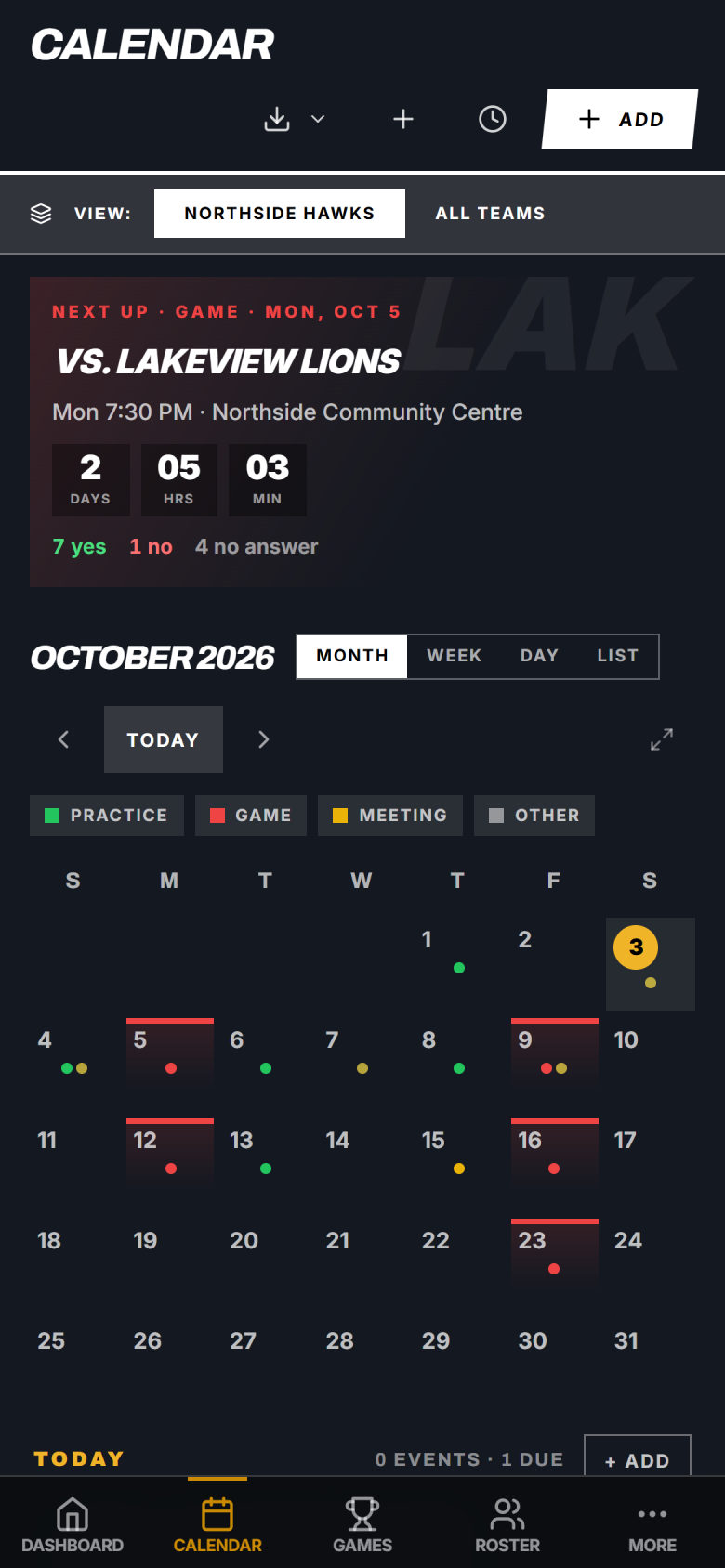
Practices, games and tournaments in one place, with the next game counting down at the top and who said yes right under it.
“As a novice coach, TheCrib has helped me a lot in organizing my training sessions. This app makes it easier to manage your team properly and keep everything in one place. I highly recommend it not only to coaches but also to athletes.”
Kids’ information stays with the team
Common questions
Something else? Email contact@thecrib.ca.
You can log kills, blocks, aces, digs, assists and errors per player for each match. Rotation combinations (which players were on court together) are not tracked. Season stats add up on their own and can be exported.